
Frequently Asked Questions

Learn how our app works and get help with key features.
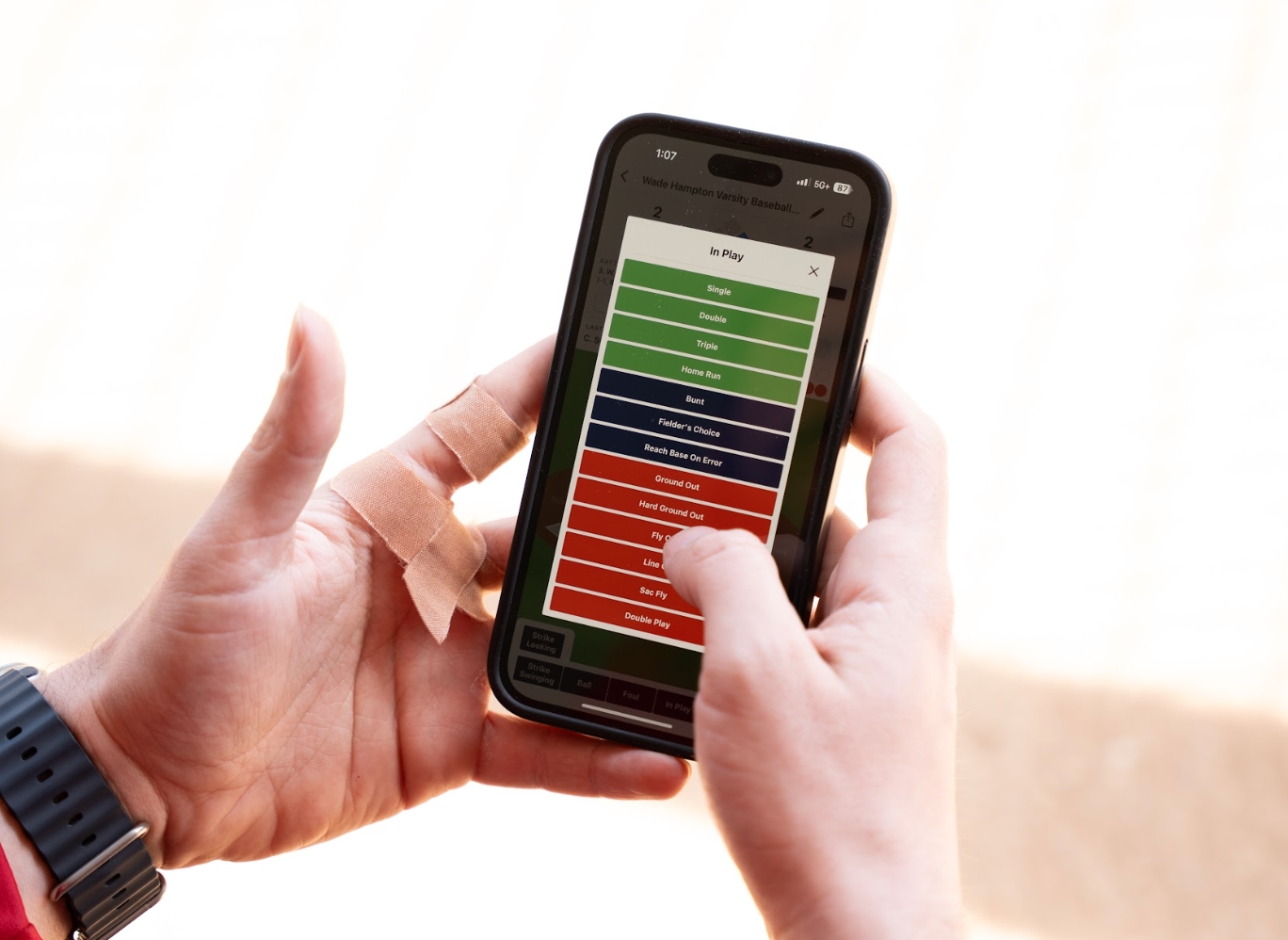
PlayMaker allows unlimited admins, so multiple coaches or parents can score, update, and stream any game.
Games can only be scored on an iOS device. However, anyone with an internet connection on any device can follow along with a live game. This includes Android, tablets, desktops, etc.
Yes. The scoring interface saves automatically and will sync once service returns.
Offensive stats: GP, PA, AB, AVG, OBP, SLG, OPS, H, 1B, 2B, 3B, HR, RBI, R, BB, HBP, ROE, FC, K, K-L, TB, XBH, BB/K, SB, CS, SB%, GIDP, BA/RISP, BABIP Defensive stats: TC, A, PO, E, DP, TP, FPCT Pitching stats: ERA, IP, #P, TS, TB, H, R, ER, BB, K, K-L, GP, W, L, GS, SV, ShO, NH, CG, PG
Yes. Anyone can follow a game’s live play-by-play feed and see the line score with a free PlayMaker account.
Yes. You can score while offline and the data will sync when you reconnect.
Please visit our Contact Page. We are always looking for ways to improve our app.
Yes! PlayMaker now features in-app live streaming. To begin a stream, click on the game you wish to stream. Once the scoring interface appears, click on the circle and 3 dots icon at the top right of the screen, then choose “Start Streaming.”
No. Streaming works directly from your iOS device. External mounts are optional but not required.
Yes. To maintain a high-quality, stable stream, PlayMaker covers per-game streaming costs—so viewing is available through a low $4.99 monthly subscription. Our price is much lower than competitors, and unlike other platforms, you’ll never see ads while watching your kid play.
Highlight clips are generated automatically in real-time immediately after a play. Parents receive a notification when their player is involved in a play. Once the app is opened, they can go to the play-by-play feed and find the play to watch the clip.
Yes. Clips can be saved and shared directly from the platform.
PlayMaker is a flat $99 per year for directors. Teams just pay a small transaction fee when registering—no per-team or event director fees, no add-ons, no hidden costs.
Yes. If teams are using PlayMaker scoring, the platform automatically updates scores, standings, and brackets in real-time as game results come in.
Yes. PlayMaker has a powerful autoscheduling feature that allows you to instantly generate your pool play schedule. You can simply create the pairings yourself or rely on the autoscheduler to build a complete and balanced game schedule tailored to your teams and event format.
Yes. PlayMaker allows for most tournament formats. Additional customization options are available to be made manually if desired.
No problem! You can easily add an opposing team’s roster with our image capture feature. To use this feature, while in the “ADD GAME” window, find the camera icon. Click on this icon to activate your device's camera. Then simply take a picture of the opposition’s roster or lineup card. PlayMaker will instantly import their players. You can also add your opponent’s players manually.
PlayMaker is built for all levels of play. Our flexible lineups and robust scoring options work for youth, travel, high school, college, and adult leagues.
Families can watch all streams, view all player and team stats, and watch highlight clips for one simple price: $4.99 per month (ad-free).
Yes. PlayMaker uses a single, low-cost subscription for all users. Coaches, parents, and fans all pay the same $4.99/month or $29.99/year, which unlocks scoring, streaming, and viewing features. One account. One price. No upsells.
On the homepage within the PlayMaker scoring app (iOS version), click the baseball icon at the top right of the screen. Choose “manage subscription.” On the web version, hover your cursor over your account name at the top right of the screen. When the dropdown menu appears, click on “my profile.”
Yes, iPads are supported. However, for the best user experience, we recommend scoring games on an iPhone.
PlayMaker supports most iPhones and iPads running iOS 14.3 or later.
Yes. We offer walkthroughs and onboarding assistance—just reach out to our team at admin@playmakerapp.io
On the iOS app, click on the baseball icon in the top right corner of the screen and select “contact us.” For issues with the tournament director web based platform, email us at admin@playmakerapp.io

We’re Here to Help

Have additional questions? Want a demo? Contact us, and we’ll work with you to ensure the best possible experience.